Nimslo3D
3D wigglegrams in your pocket.
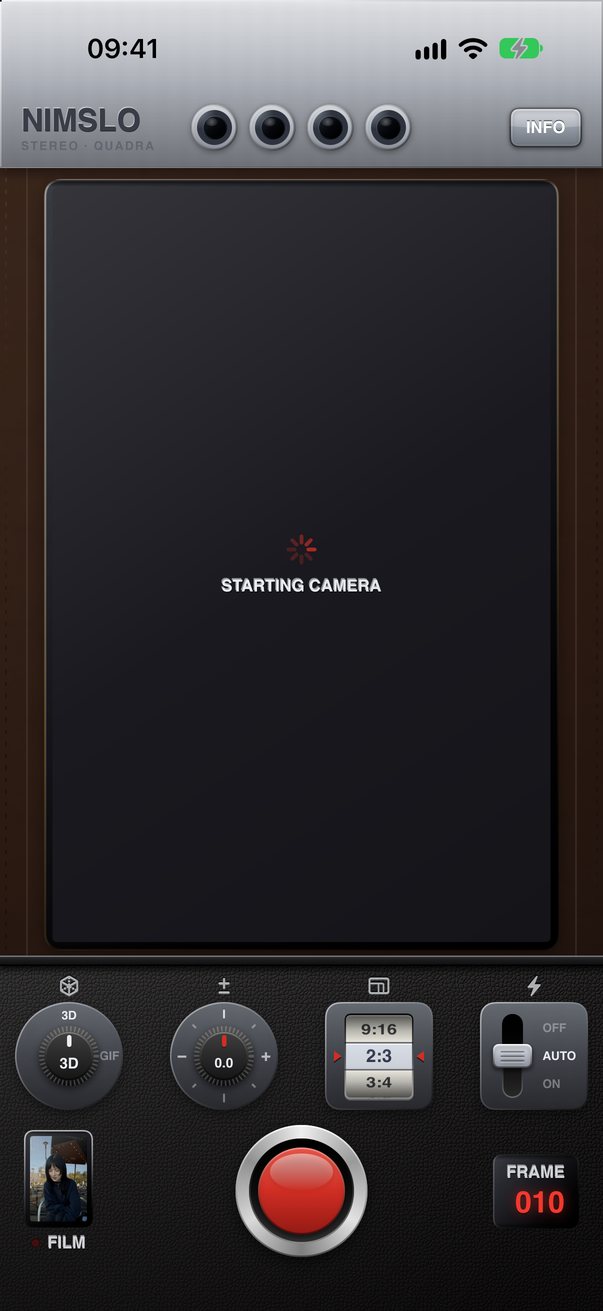
The iconic 80s 3D camera is back on your iPhone. Press the shutter once to create four unique views of the scene, each from a slightly different spot, then loop them into an animated wigglegram.
-
3D from one shot
Four views with a real 3D effect from a single photo.
-
Develop later
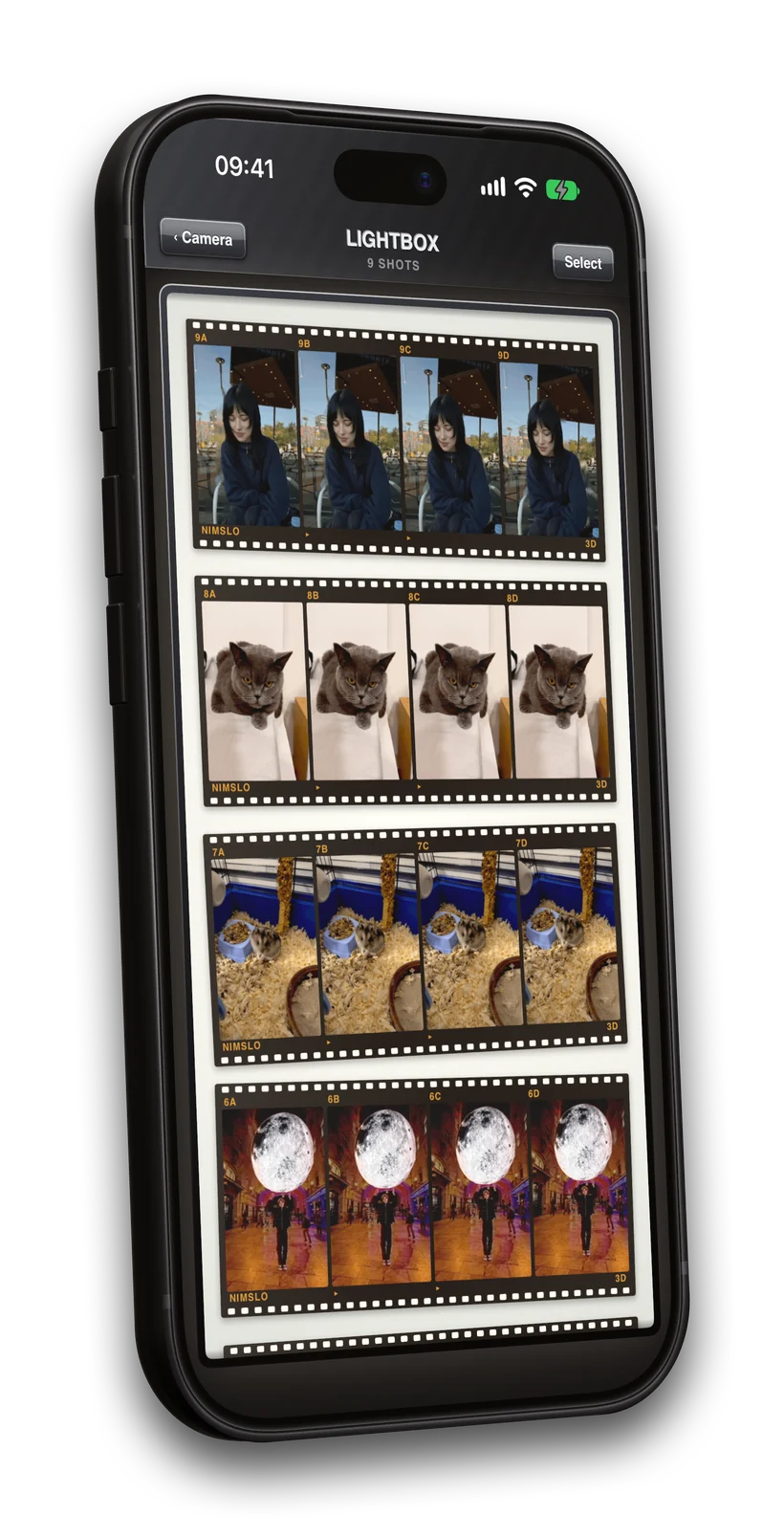
Every shot waits in the lightbox. The original is always kept.
-
40+ color grades
Plus effects such as expired stock, grain, light leaks, dust or VHS.
-
Private by design
No account, no ads, no uploads. Everything stays on your iPhone. Privacy policy
Easily create 3D wigglegrams.
Nimslo turns any photo into an animated 3D wigglegram. It measures how far away everything in the frame is, lifts your subject out, paints in the room behind them, and moves every pixel the way it would have moved through a real lens 18 mm to the side. All of it happens locally on your iPhone.
Nº 0043D 
Nº 0113D 
Nº 0173D 
Nº 0233D
Results vary by scene and iPhone model. Nimslo’s depth and fill-in come from machine-learning models running on your device, so they make estimates rather than measurements. Nimslo is still being improved, and each update aims to make the 3D cleaner. More about results
The iconic 80s camera is back!
Shoot using tactile, skeuomorphic knobs and dials, with haptics on every click and switch.
- 3D mode. One shot lets you generate four different views with a 3D effect.
- GIF mode. Four real frames in a row, steadied into a loop.
- Tap to set your subject, then roll the format wheel for 9:16, 2:3, 3:4, 4:5 or 1:1.
- LiDAR and dual-camera depth when your iPhone has it, and without when it doesn’t.
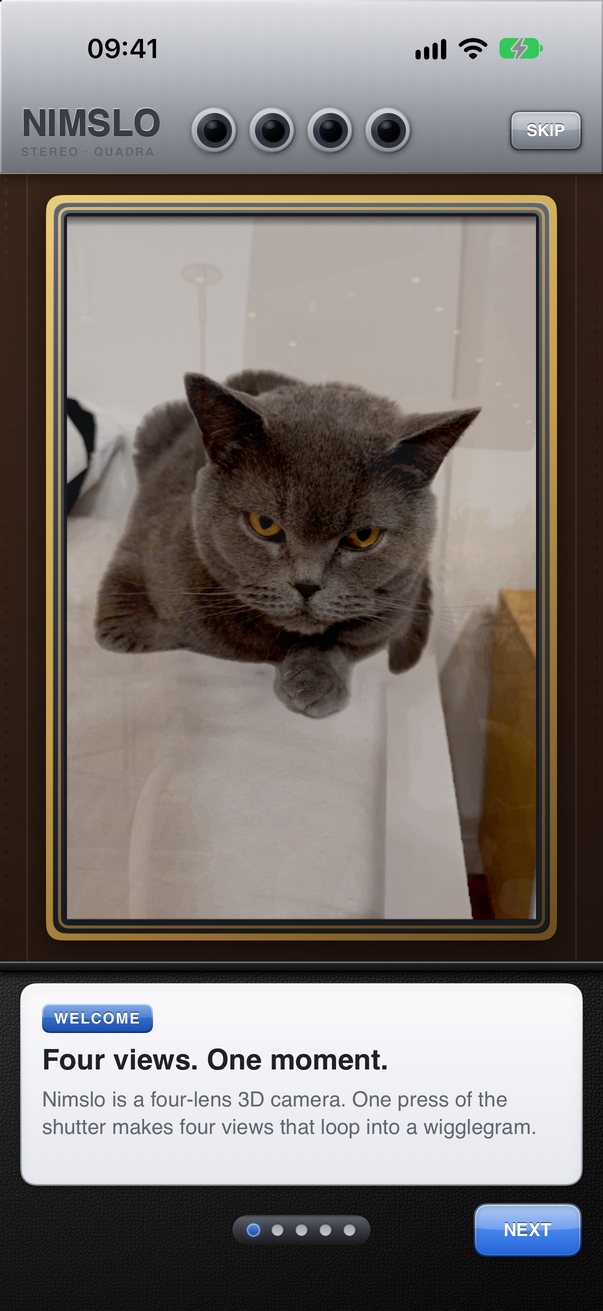
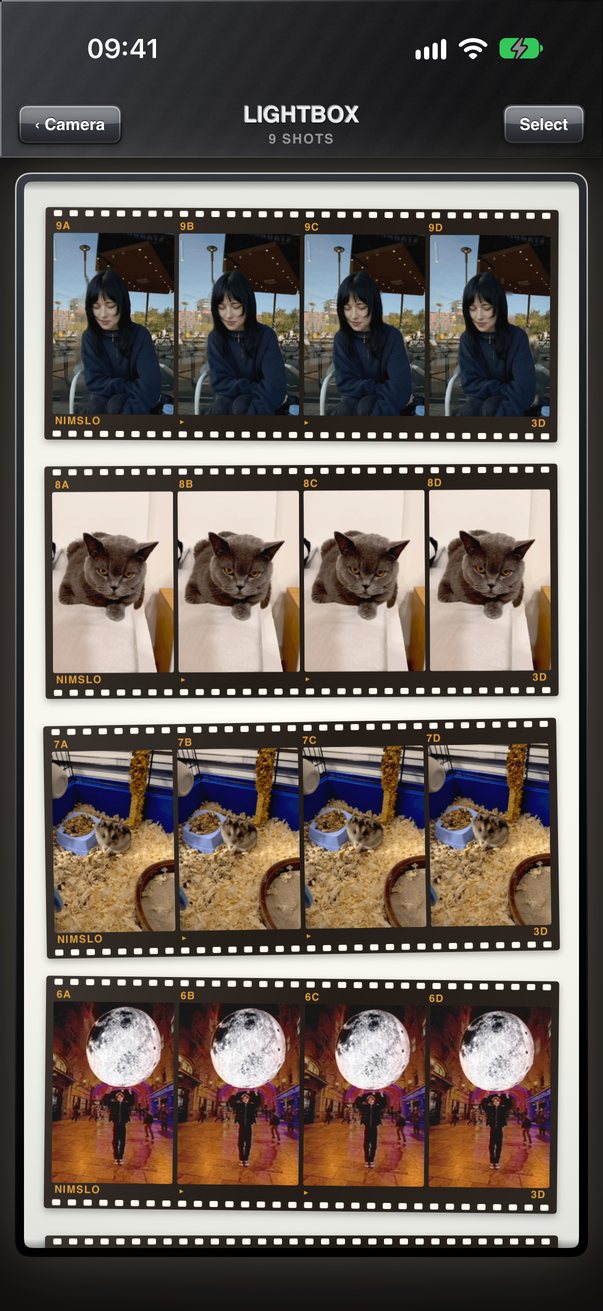
Shoot now. Develop later.
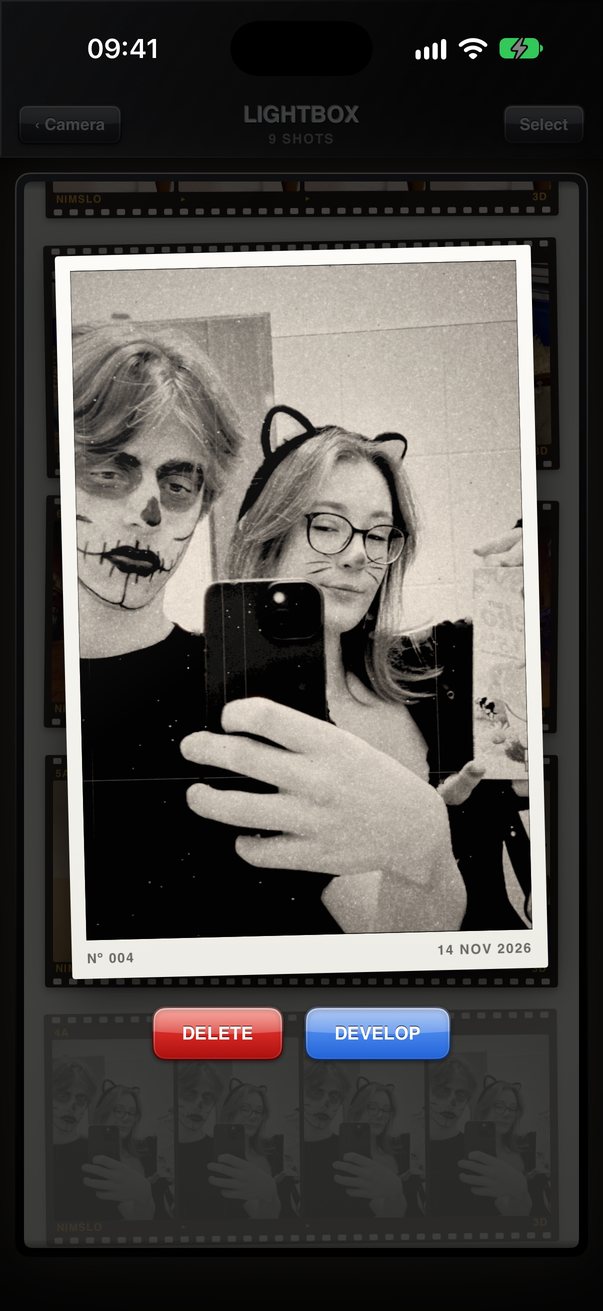
Every shot you take waits on the roll as a negative, laid out on a glowing light table. Develop it now, tomorrow, or again with different settings.
- The original is always kept. Re-develop any shot whenever you like.
- Share menu. Send photos you already have to Nimslo.
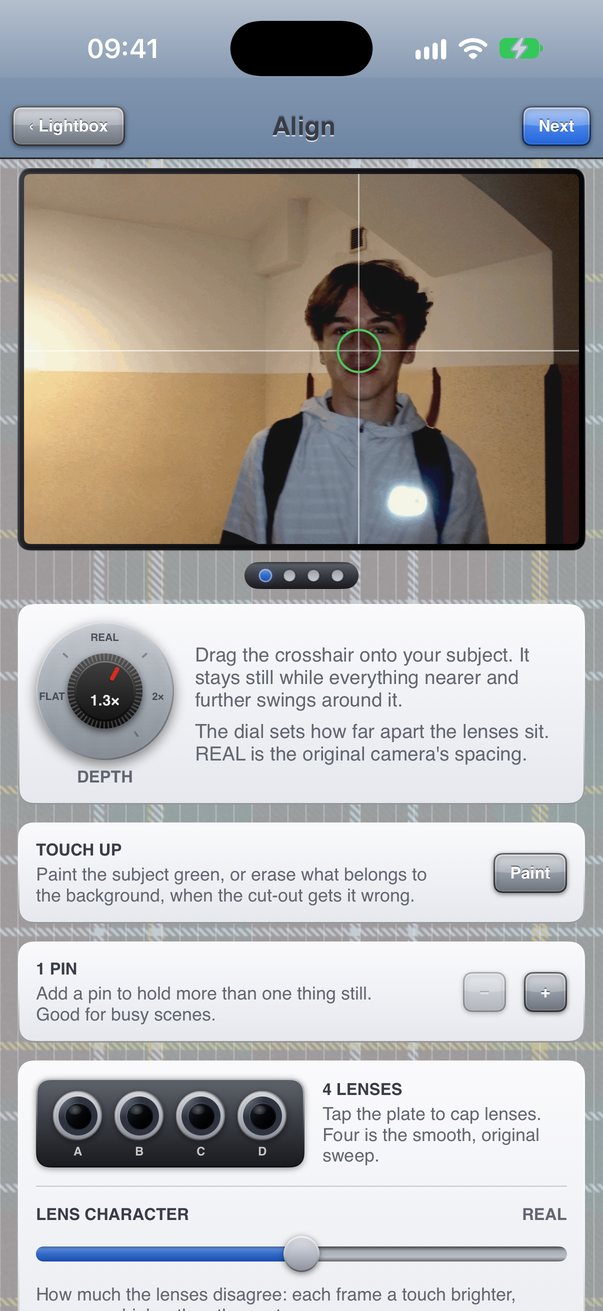
You decide what stays still.
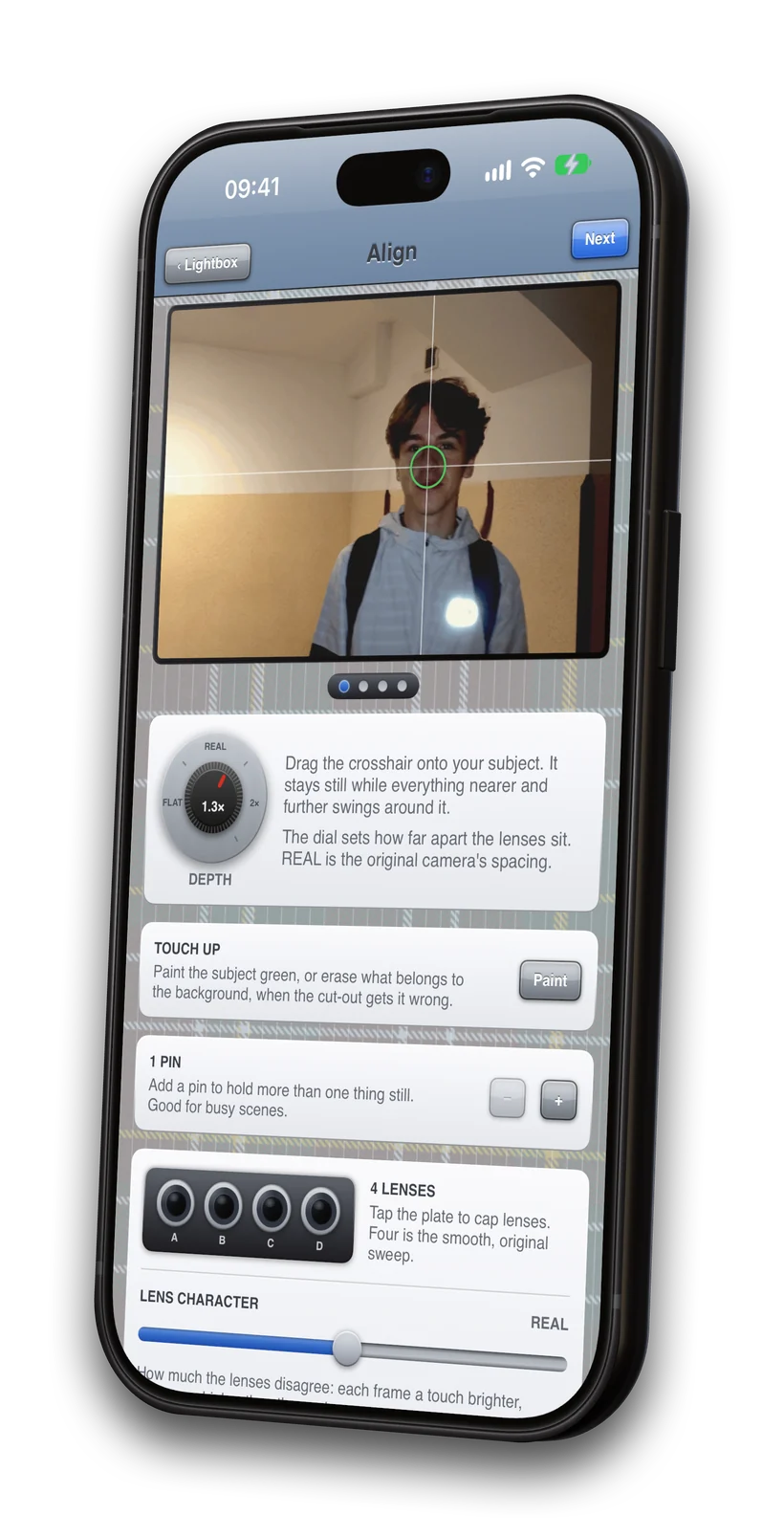
Drag the crosshair onto the subject of your photo and play with the depth dial. You can also pin more objects to keep them still.
- Depth dial. From flat up to 2.5×.
- Pins. Add up to two more for busy scenes.
- Cap lenses for a 4, 3 or 2 view swing, and dial in how much the four lenses disagree.
- Touch up the cut-out with a finger when hair or sleeves trip it up.
Find your desired style.
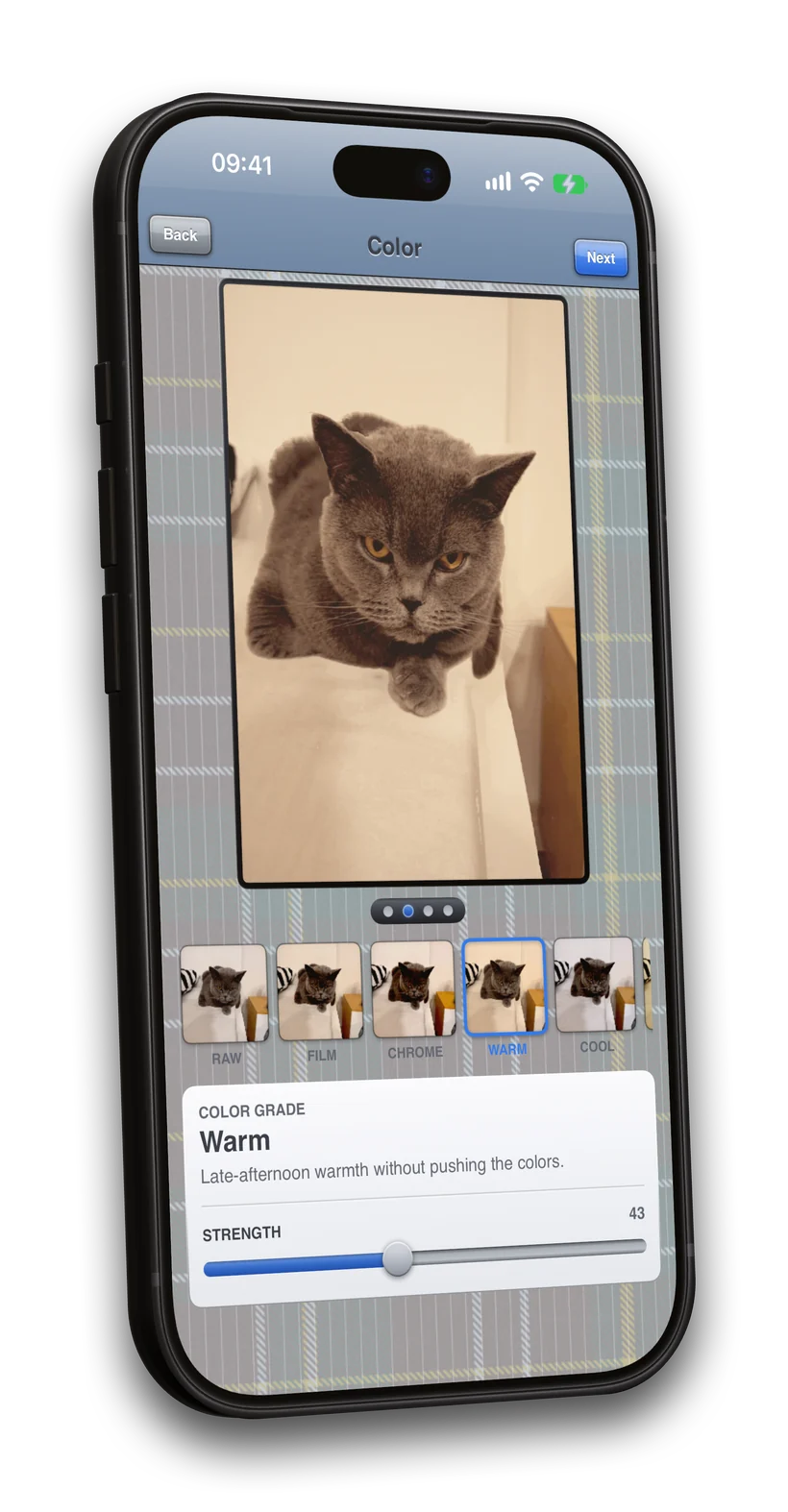
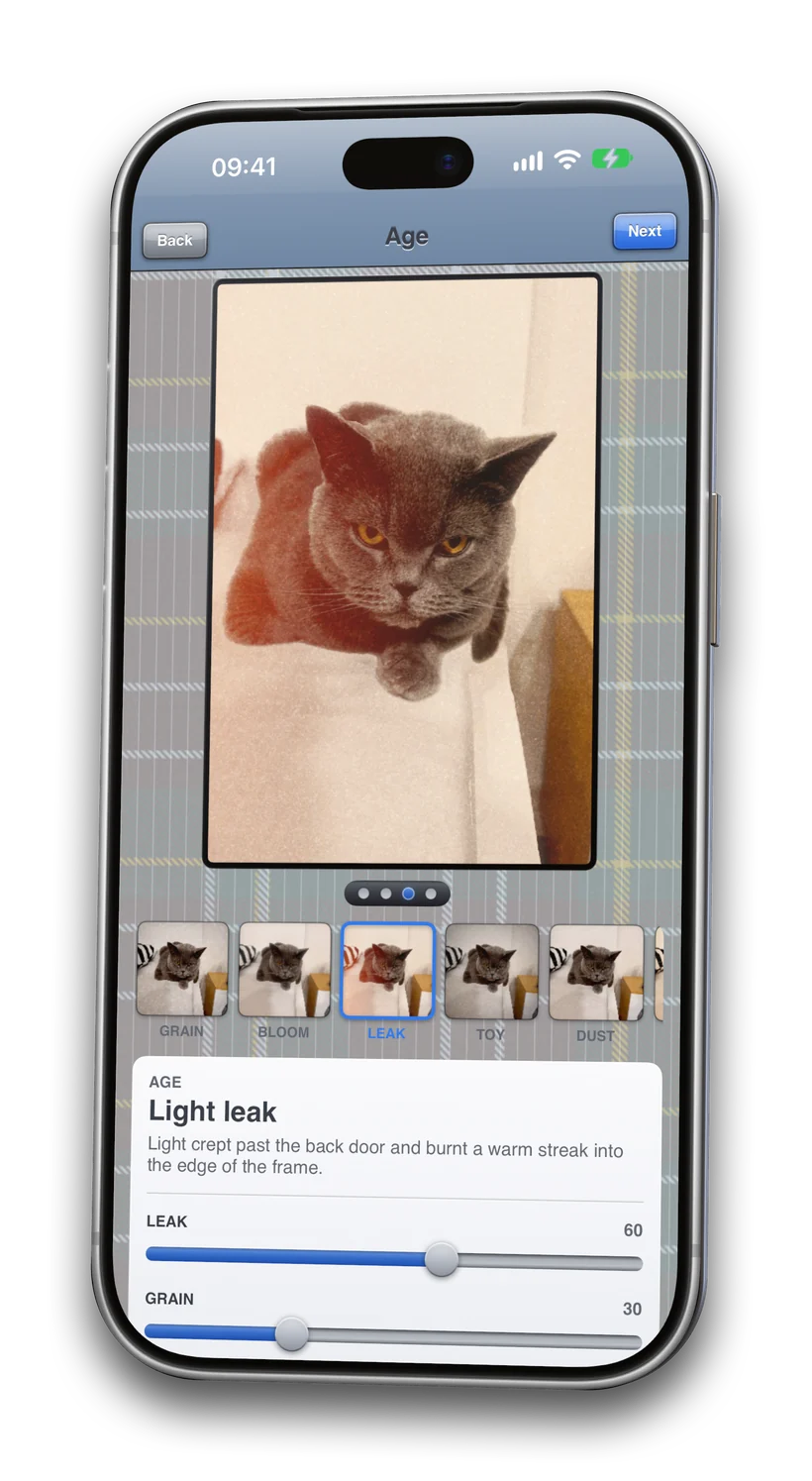
Pick from over 40 film grades, from FILM and CHROME to NOIR, plus a set named after cities. Then age it: clean, faded, expired, light leaks, dust, toy camera or VHS, with a slider for every part.
How one photo becomes a 3D GIF.
You take a picture and Nimslo handles the rest. Nothing is uploaded; all data stays on your device.
-
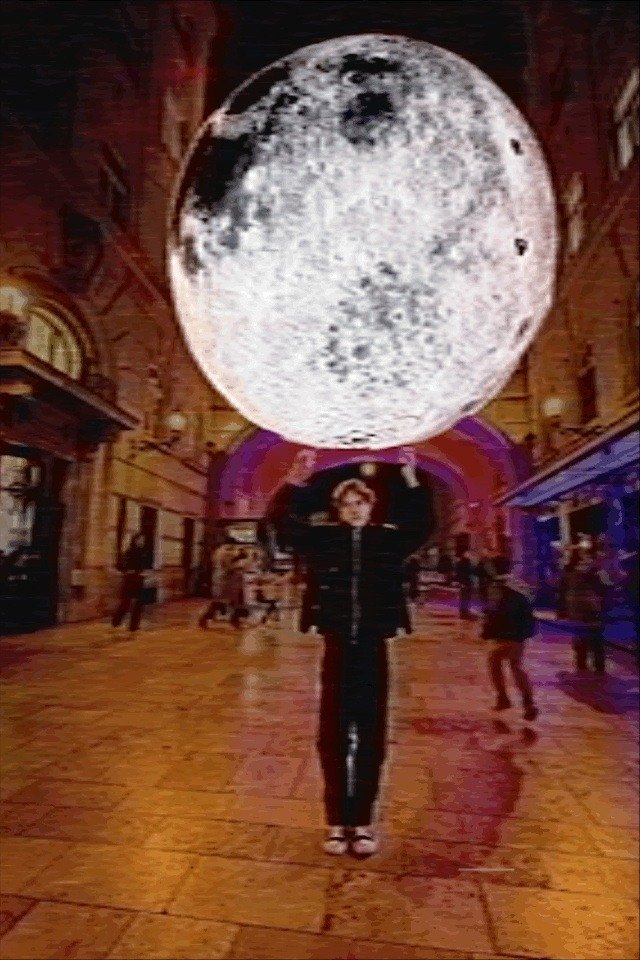
The photo
One press of the shutter.
-
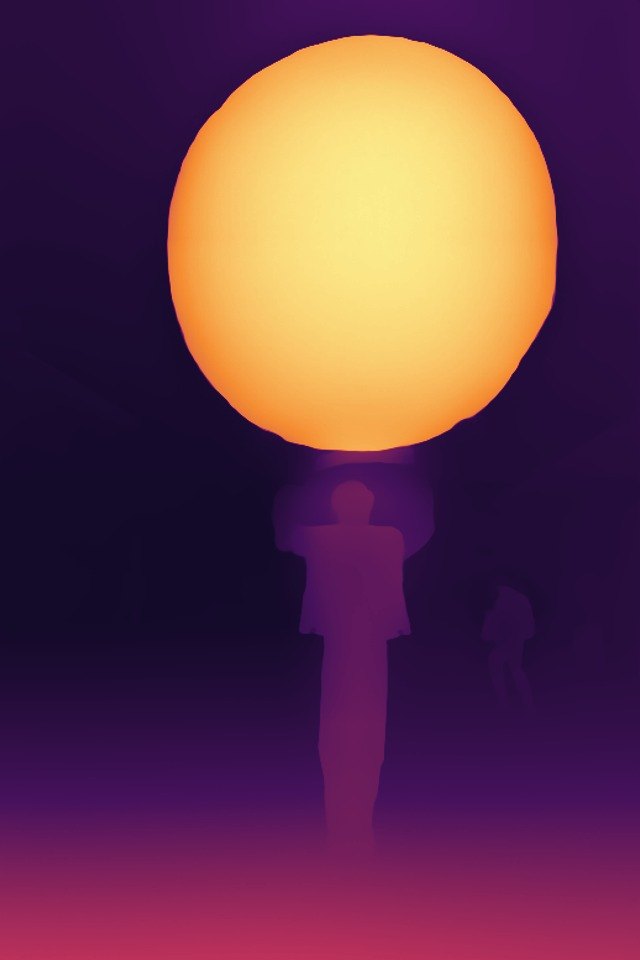
Depth
How far away every pixel is.
-
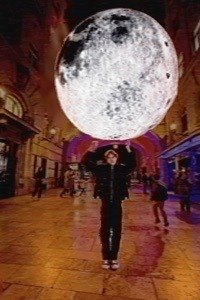
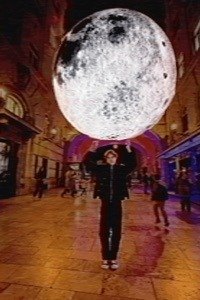
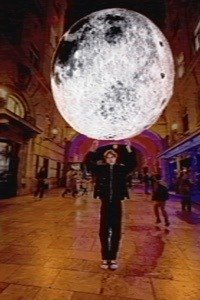
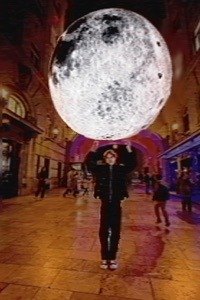
Four views
Four 30 mm lenses, 18 mm apart.
-
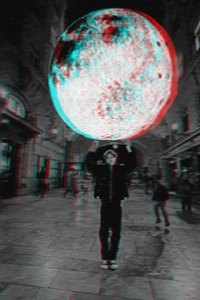
Real parallax
Lens A in red, lens D in cyan.
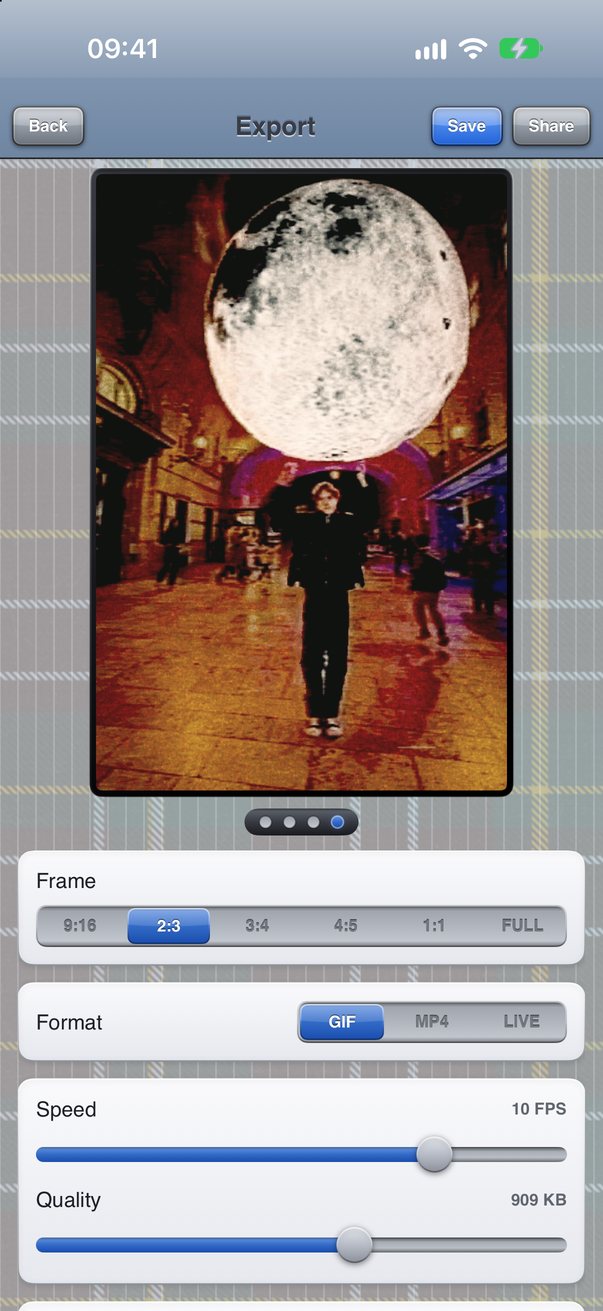
Save it as a GIF, MP4 or Live Photo.
Save it to your gallery or share it to any app you want. Choose the speed, bounce or loop, and the quality, with the file size shown before you save.
- Wiggle Print widget. Put a print on your home screen and tap it to rock it.
- Bulk export. Develop and save a whole selection at once.
 Post your wigglegrams.
Wigglegrams were made for the dashboard. Save your loop as a GIF, post it to your Tumblr blog and tag it #NimsloApp so other Nimslo shooters can find it.
Private by design.
No account, no analytics, no ads, no internet connection. The depth and background models run on your iPhone, and your photos never leave it unless you share them.
The first roll ships December 14.
Pre-order now for $0.99 and Nimslo downloads to your iPhone on release day. No subscriptions. Works best with your subject about 2 m away and something behind them.